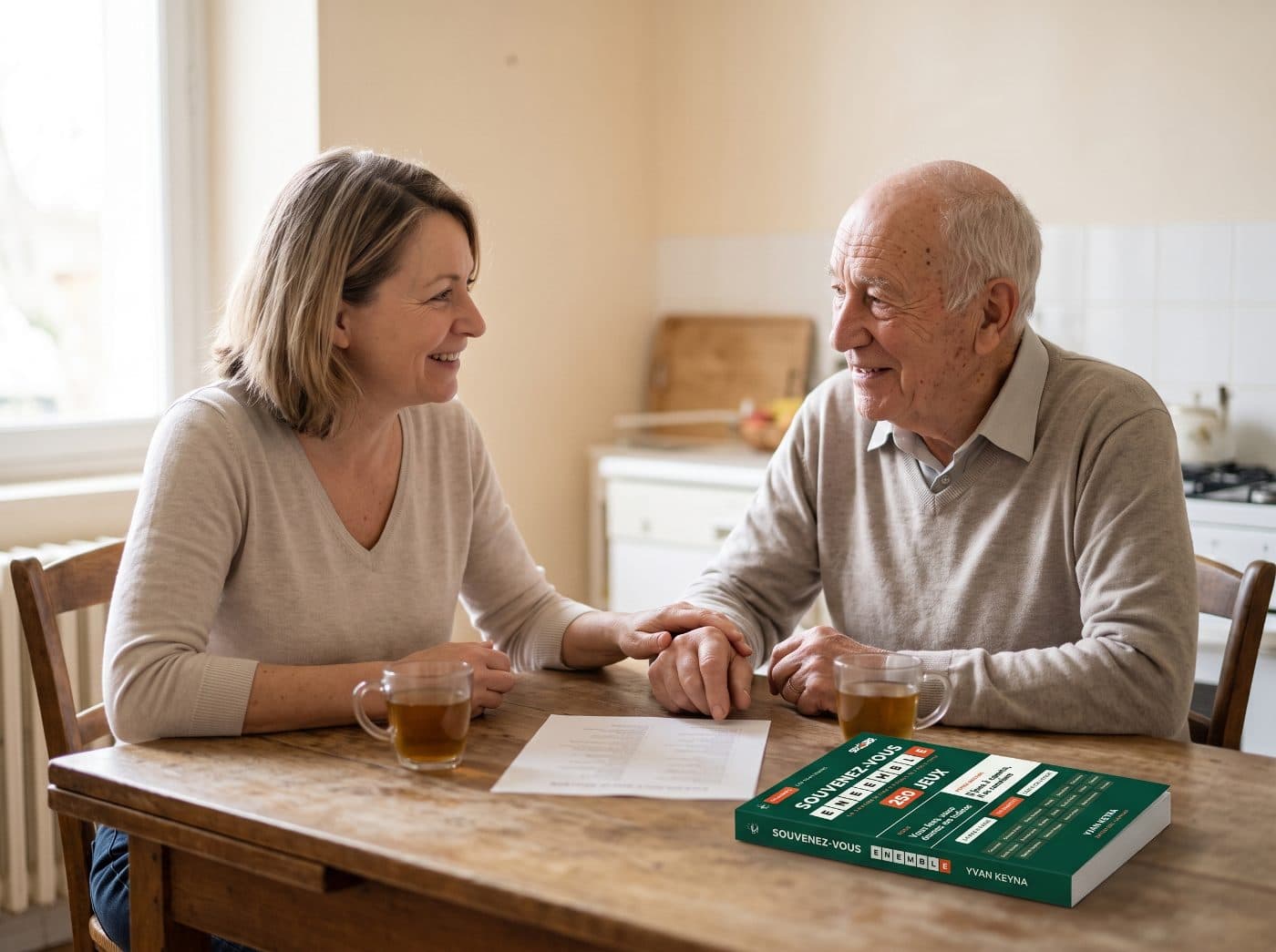
To protect your parent from scams, there is no need to turn them into an expert: a few very basic rules, set once, work better. And they apply to you too, because you are not immune.

Question 1
Because scams imitate real messages too well, and they also trap young people. Here is a question I was asked recently: ‘What really works to protect ageing parents from online scams?’
The person lists what they see going around: fake delivery texts, ‘your account is locked’ emails, fake virus alerts that pop up on the screen. Just saying ‘don't click on links’ is clearly no longer enough.
They are torn between family rules, such as calling a loved one before paying for anything, and software that blocks fraudulent sites. And they wonder whether it is excessive for parents who barely use the computer.
It is a question to take really seriously. And the first thing to know is that you are not immune, just like your parents.
In looking after your parent, you will deal with new organisations, sometimes in a rush. All it takes is being a little less on your guard to find yourself trapped in turn.
Question 2
Hackers can now call your voicemail, if you have recorded a personalised message on it, and get hold of your voice. They copy it, clone it, then call your parent with your own voice, to ask them for a bank transfer.
Your personalised voicemail message is a recording of your voice that any caller can listen to.
The same trap targets your children. If it is your child who hears this message, in your voice, they could very well go out to the gate with the credit card.
The step is simple: replace your personalised message with your provider's standard greeting. Your voice is no longer there for anyone who wants to copy it.
And the golden rule applies to you, to your children as well as to your parents: on the phone, no one will ever ask you to send money over the internet. A familiar voice demanding an urgent transfer is the signal to hang up.
And if it is a loved one, hang up, call them back, and ask them a question only they know the answer to. With your children, set a password that you share as a family, for example the name of your pet, if you have never posted it on social media.
Question 3
The choice of device already matters. Apple equipment is a good solution, because it is much harder to hack.
But a device only protects if someone knows how to set it up. Choose the technology that you and your parent have already mastered: you will pass on to them what you can do with ease.
Also avoid the cheapest models and low-end equipment, or equipment given away by a provider. Your parent deserves quality equipment.
Harder to hack does not mean impossible: a device does not replace the rules that follow.
Question 4
By giving them a rule with no exceptions: they never answer a number that is not in their address book. If the call is important, the person will leave a message.
Better still, the phone can do it for them. On an iPhone, a setting in the Phone app sends unknown numbers to voicemail, without ringing. Their contacts ring normally: first save yours there, and the family's.
And if your parent has picked up anyway, one sentence should alert them: they are asked to log in to their account, or to give a code received by text. In 99% of cases, it is a scam.
Genuine services, banks, government offices, health insurers, never ask for your login details. If in doubt, they hang up, and call their bank back on the official number, the one shown on their documents.
These fraudsters' aim is precisely to seem logical and reassuring. They speak calmly, say they want to ‘check a problem’ or ‘confirm a suspicious transaction’. Even if everything seems consistent, the rule does not change.
Question 5
Malicious emails are more complicated: they often use the name of a bank or of the tax office, and are much harder to spot.
Scammers imitate the logos, the colours and even the tone of official messages, with worrying words: ‘alert’, ‘account blocked’, ‘suspicious transaction’. Asking your parent to sort them out means asking them to make a judgement call every moment.
The rule is simple: at your parent's, the credit card is never entered on the internet, whatever happens. A fake email can no longer take their card.
If they use a computer, they save no personal information on it: no password, no bank card number. Everything is always typed in by hand.
Even if it means having a Post-it next to the desk. It is not completely reliable, but this solution is still better.
For a fraudulent text, one more step: forward it to 33700, the number used to report it.
Question 6
No, not too much. Telling real from fake is going to be very complicated for them, and may even become particularly anxiety-inducing. By setting very basic rules, it should work.
Here they are, all together, to put in place at your parent's:
- They never answer an unknown number, or their phone silences them.
- Their computer stores neither passwords nor card numbers.
- On the phone, no one will ask them for money: they hang up; if it is a loved one, they call them back and ask for the family password.
- Their credit card is never entered on the internet.
What this does not do: no rule protects against every scam. They reduce what a scammer can get, they do not stop them from trying.
The most concrete gesture, starting today: change your voicemail message, then turn on the unknown numbers setting on your parent's phone. Two minutes each. And choose your family password with your children.
Tomorrow, an AI agent will be able to do this work in their place, and support them. This future could arrive within a few months.
These rules apply to the whole family, your children included. You can pass on this guide to them.
Would you like to know more about these AI agents that will soon be able to support your parent? Let me know: 👉 contact@help-editions.co.uk
Sources used (9)
| # |
Fact cited |
Link |
| 1 |
You are not immune: being a little less on your guard is all it takes to find yourself trapped |
👉 Help! Who's Going to Take Care of My Parents?, Yvan Keyna |
| 2 |
Genuine services never ask for your login details; in 99% of cases, a request to log in or to give a code received by text is a scam; if in doubt, hang up and call back on the official number |
👉 Help! Who's Going to Take Care of My Parents?, Yvan Keyna |
| 3 |
Scammers seem logical and reassuring, and imitate the logos, colours and tone of official messages |
👉 Help! Who's Going to Take Care of My Parents?, Yvan Keyna |
| 4 |
Choosing the technology you have mastered; avoiding the cheapest models and low-end equipment |
👉 Help! Who's Going to Take Care of My Parents?, Yvan Keyna |
| 5 |
The voicemail greeting can be used to copy a voice |
👉 Korben, AI voice scams |
| 6 |
Against a copied voice: call the loved one back, and agree on a password known only to the family |
👉 La Presse, the ‘Hi Mum’ scam · 👉 Bbox Mag, AI voice phishing |
| 7 |
Never answer a number that is not in your address book |
👉 Futura, the right reflexes against phone scams |
| 8 |
On an iPhone, a setting in the Phone app sends unknown numbers to voicemail, without ringing; contacts ring normally |
👉 Apple Support, filter and block calls on iPhone |
| 9 |
A fraudulent text is forwarded to 33700 to report it |
👉 33700, DGCCRF |